Business Communication
  Blog
Blog  Customer Experience
  Leadership
  Marketing & Sales
  Nextiva News
  Productivity
  VoIP
VoIP 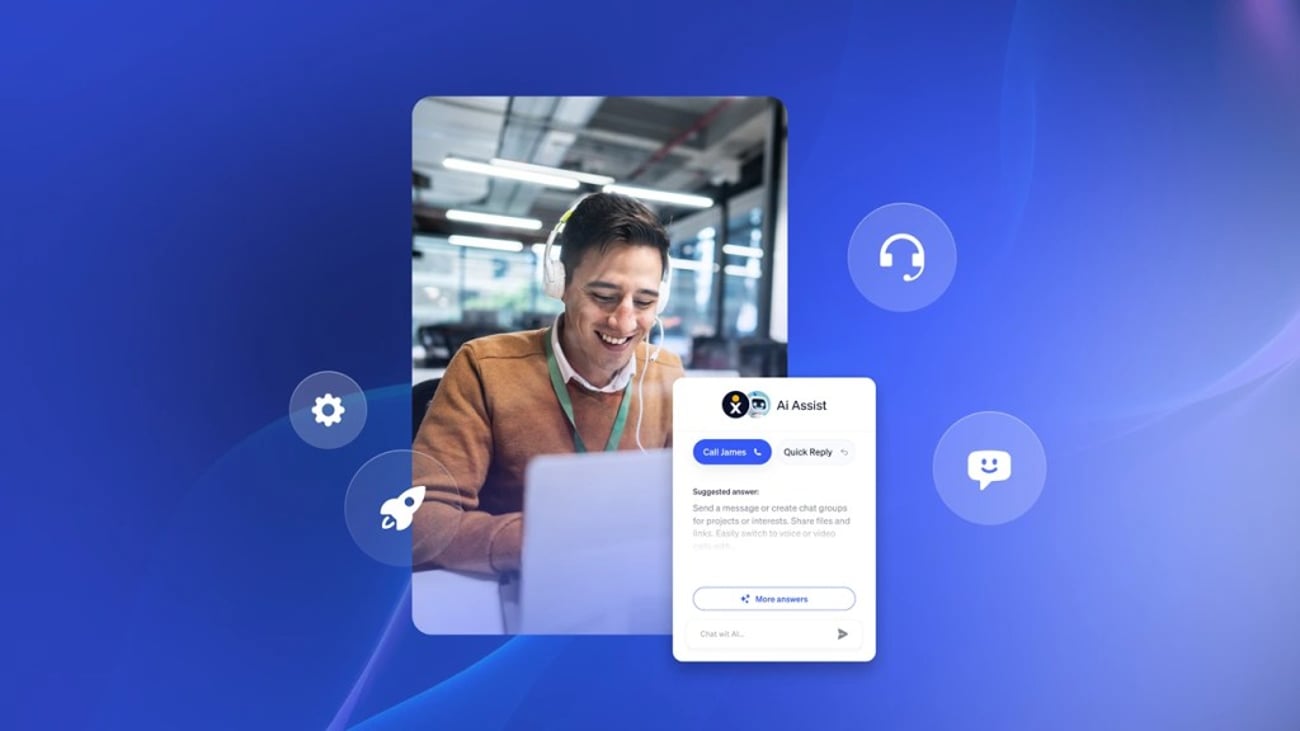


Small businesses need an answering service that prevents missed calls, captures leads, schedules appointments, and routes urgent requests. The right choice depends on whether the business needs an AI-only service, a live answering team, or a hybrid model.
Quick recommendations:
- Best AI answering service: XBert AI by Nextiva, for automated call handling, lead capture, appointment booking, and multichannel support.
- Best live answering service: AnswerConnect, for 24/7 live reception, lead qualification, bilingual support, and chat.
- Best personalized service: Posh, for live reception and outbound follow-up.
- Best for rapid setup: Moneypenny, formerly VoiceNation, for 24/7 live answering and quick activation.
- Best for phone and chat: Ruby, for U.S.-based receptionists and live web chat.
- Best for dedicated receptionist teams: Abby Connect, for consistent receptionist pods.
- Best for administrative support: Davinci Virtual, for business-hours answering and virtual office services.
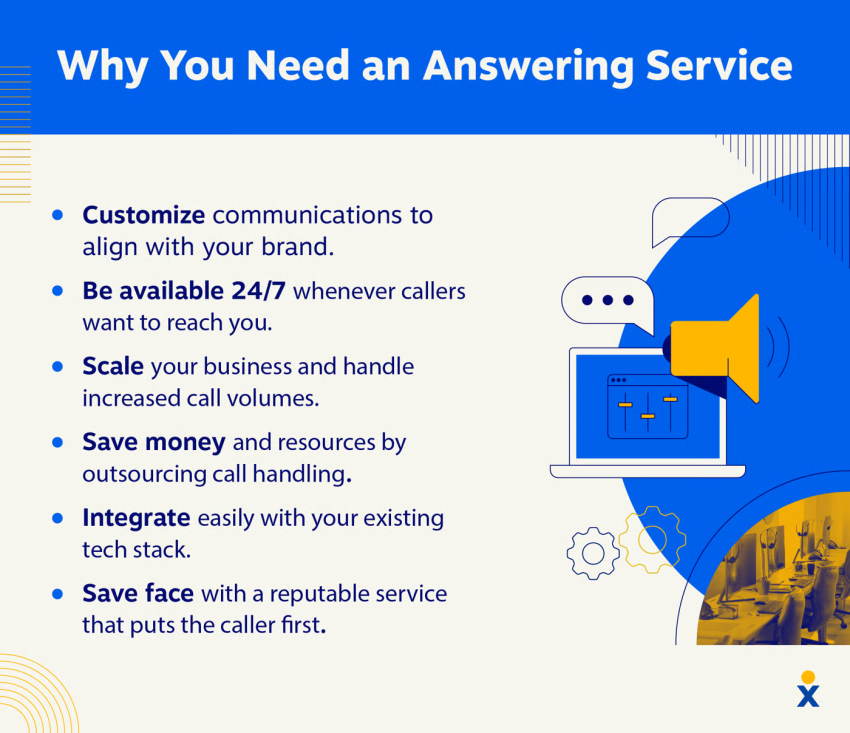
An answering service helps protect revenue when customers call after hours, during peak demand, or while staff members are unavailable. About 82% of people whose calls go unanswered do not call back and may contact a competitor instead.
Top Answering Services at a Glance
| Service | Service type | Best for | Key capabilities | Availability | Starting price |
|---|---|---|---|---|---|
| XBert AI | AI answering service | Automated, scalable engagement | Call answering, lead capture, calendar booking, SMS, chat, CRM sync, human handoff | 24/7 | $99/month |
| AnswerConnect | Live answering service | Lead management | Live answering, lead qualification, appointment scheduling, web chat, bilingual support | 24/7/365 | $325/month |
| Posh | Live answering service | Personalized customer service | Live answering, outbound logging, bilingual support, mobile app | 24/7/365 | $65/month |
| Moneypenny | Live answering service | Quick setup and continuous coverage | Custom scripts, call patching, order processing, mobile app | 24/7/365 | $145/month |
| Ruby | Live answering and chat | Phone and web chat support | U.S.-based reception, lead capture, appointment booking, routing | 24/7/365 | $250/month |
| Abby Connect | Live answering service | Dedicated receptionist teams | Receptionist pods, warm transfers, appointment booking, chat | Coverage varies by plan | $329/month |
| Davinci Virtual | Live answering and virtual office | Startups and administrative support | Business-hours answering, phone numbers, faxing, virtual office services | Business hours | $129/month |
Prices and plan structures can change. Businesses should confirm current rates, minute allowances, conversation limits, overage charges, trial terms, and contract requirements before subscribing.
How the Services Were Compared
The comparison considers the factors that affect missed-call coverage and day-to-day operations:
- Coverage: 24/7 service, after-hours support, weekend coverage, and holiday availability.
- Service model: AI-only, live-agent, or hybrid AI-plus-human support.
- Call handling: Call routing, intent recognition, lead qualification, message-taking, and emergency escalation.
- Appointment support: Calendar booking, rescheduling, callback management, and confirmation messages.
- Integrations: CRM, calendar, SMS, email, chat, and business phone system connections.
- Languages: Bilingual and multilingual support.
- Pricing: Monthly plans, per-minute charges, per-conversation charges, setup fees, and overage rates.
- Business terms: Free trials, money-back guarantees, contracts, and cancellation policies.
- Security: Privacy, compliance, access controls, and industry-specific requirements.
AI services generally suit businesses that need consistent coverage at a predictable cost. Live services suit businesses where callers need empathy, judgment, or complex support. Hybrid services combine automated intake with human escalation.
What Is a Small-Business Answering Service?
An answering service manages incoming calls on behalf of a business. Agents or automated systems can:
- Answer calls after hours and during busy periods
- Take messages and deliver them by email, SMS, or an app
- Capture and qualify leads
- Schedule, reschedule, or confirm appointments
- Route calls to the right employee or department
- Screen unwanted calls
- Handle basic customer questions
- Escalate emergencies
- Support live web chat and text messaging
A virtual receptionist provides similar coverage but usually handles a wider range of front-office tasks. These services help small teams maintain a professional caller experience without assigning a full-time employee to every incoming call.
Common call flow
- A customer calls after hours or while the business team is busy.
- The business phone system forwards the call to the answering service.
- An interactive voice response (IVR) menu or receptionist identifies the caller’s intent.
- The service collects contact details and relevant information.
- The system qualifies the lead, books an appointment, answers a routine question, or routes the call.
- An agent or AI system escalates urgent matters according to the business’s instructions.
- The business receives a message, transcript, appointment update, or call summary.
A business can usually keep its existing phone number through call forwarding. This lets the answering service receive calls without forcing customers to learn a new number.

Service Models to Consider
AI answering services
An AI answering service uses speech recognition, text-to-speech, intent detection, and automated workflows to handle conversations. It can answer multiple calls at the same time and follow business rules from a knowledge base, website, FAQs, or internal documents.
AI services work well for:
- After-hours intake
- Frequently asked questions
- Lead capture
- Appointment booking
- Call routing
- Basic order or service requests
- Overflow coverage during peak demand
The quality of an AI service depends on its business configuration, escalation rules, integrations, language support, and ability to transfer context to a human.
Live answering services
A live answering service uses trained receptionists or agents to answer calls. Live agents can handle tone, context, and unusual requests that require judgment.
Live services work well for:
- Sensitive customer conversations
- Legal or medical intake
- Complex service questions
- High-value sales inquiries
- Callers who expect a person
- Businesses that need bilingual or specialized receptionists
Hybrid answering services
A hybrid service combines AI intake with human support. AI can answer routine calls, gather details, and identify urgency. A human agent can then handle complex requests with the caller’s information and conversation history.
This model can help businesses control costs while preserving human support for calls that require empathy, discretion, or detailed problem-solving.
Try the best AI answering service free for 14 days
XBert AI answers questions and captures leads. Add your 24/7 answering service in minutes.
Answering Service vs. Call Center
An answering service usually supports after-hours, overflow, or front-line call handling for small and midsize businesses.
A call center supports larger volumes and more complex operations across phone, email, chat, social media, and help desk channels. Call center software often includes workforce management, quality monitoring, reporting, outbound campaigns, and advanced routing.
Best Answering Services for Small Businesses (2026)
1. XBert AI by Nextiva, for automated customer engagement
XBert AI is an AI answering service that handles phone calls, SMS, and chat. It greets callers, answers questions, captures lead details, books appointments, and routes urgent requests.
It can learn from a business website, FAQs, and internal documents. This helps the system follow approved information and maintain a consistent brand voice. Businesses can use it to improve customer experience and reduce missed calls.
XBert AI is the ideal answering service for plumbers and other service businesses such as electrical, landscaping, and pest control companies that need 24/7 intake and appointment management.
Features:
- 24/7 AI answering: Handles calls, SMS, and chat at any time.
- Lead capture: Collects contact details and qualifies prospects.
- Appointment management: Books and reschedules appointments through calendar integrations.
- Call triage: Identifies caller intent and urgency.
- Sentiment detection: Helps identify conversations that require human attention.
- Contextual handoff: Transfers complex calls with relevant conversation details.
- CRM and calendar integration: Syncs customer information and appointment data.
- Conversation records: Provides transcripts, summaries, and analytics.
- Multilingual support: Supports English, Spanish, French, German, Mandarin, and Ukrainian.
- Existing-number support: Uses call forwarding so a business can keep its current number.
- Concurrent call handling: Supports simultaneous inbound and outbound calls.
Pros:
- Provides automated coverage around the clock
- Captures leads and books appointments without manual entry
- Supports phone, SMS, and web chat
- Escalates complex or urgent calls to employees
- Requires no coding or complex automation workflow
- Works with an existing business number through call forwarding
- Has a 14-day free trial and no long-term contract
Cons:
- AI may require human escalation for nuanced or sensitive conversations
- Businesses must configure accurate scripts, policies, and escalation rules
- Pricing uses conversations rather than simple minute or seat counts
Pricing
XBert AI starts at $99 per month for 100 conversations. A conversation is a phone call that lasts more than 30 seconds or an SMS or chat interaction with at least three exchanges. Additional conversations cost $1.50 each.
The plan includes a 14-day free trial, no long-term contract, and call forwarding from an existing business number.
Best for: Small and midsize businesses that need 24/7 automated coverage, lead capture, appointment booking, and human escalation.
Nextiva reports that XBert AI improved customer response time by 98% and increased positive reviews by 11%. These results come from Nextiva and may not represent outcomes for every business.
“It is very easy to use, and implementing it for each agent is straightforward. The customer support is excellent, and I use it daily. It offers good features for connecting with customers, and its integration makes it simple to generate reports.” — Shiju S. via G2
👉 Nextiva has a 4.5/5 rating. See more Nextiva reviews on G2.
Hear why XBert AI is the best AI receptionist
XBert AI receptionist handles customer questions, captures leads, and books appointments. Try it free for 14 days.
2. AnswerConnect for live lead management
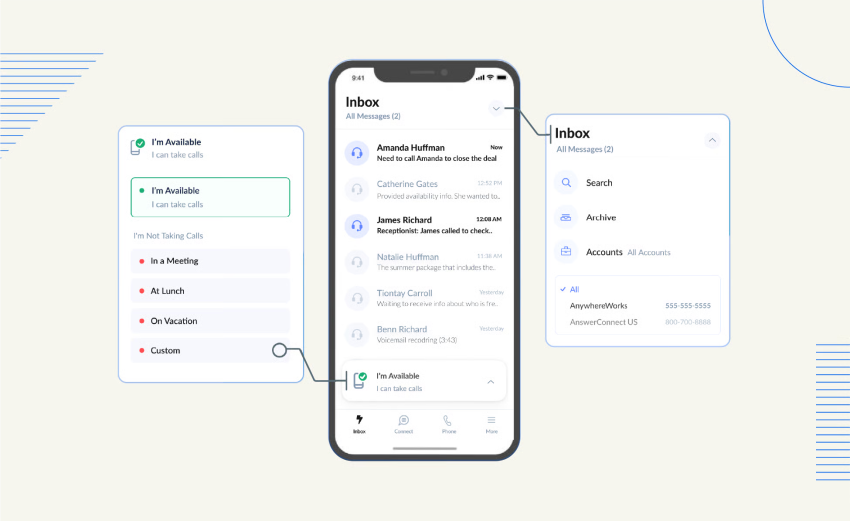
AnswerConnect is a live answering and chat provider with English and Spanish support. Its agents take messages, route calls, qualify leads, and schedule appointments.
Features:
- Caller identification
- Inbound lead qualification
- Detailed message-taking
- Time-sensitive call routing
- Appointment booking
- Overflow coverage
- Live chat answering
- CRM integrations
- English and Spanish receptionists
Pros:
- Live answering 24/7/365
- Live chat support
- Bilingual reception
- Lead qualification
- CRM connections
Cons:
- Costs more than some lower-priced services
- Call reports have limited customization
- Businesses should confirm current pricing and plan limits
Pricing
AnswerConnect requires a current quote. Historically listed plans have included:
- 100 minutes: $325 per month, plus $2.95 per minute and a $75 setup fee
- 300 minutes: $425 per month, plus $2.75 per minute with no setup fee
- 450 minutes: $825 per month, plus $2.75 per minute and a $75 setup fee
Best for: Businesses that need live lead qualification, bilingual reception, appointment scheduling, and overflow coverage.
“They respond very quickly to requests, call me to ensure the changes are correct. My clients like the people who answer the phones. They are accurate in taking the numbers and names. However, I would like to have an assigned person on my phone so they can answer more questions when people ask for the same thing.” — Cynthia F. via G2
👉 AnswerConnect has a 4.5/5 rating. See more AnswerConnect reviews on G2.
3. Posh for personalized customer service
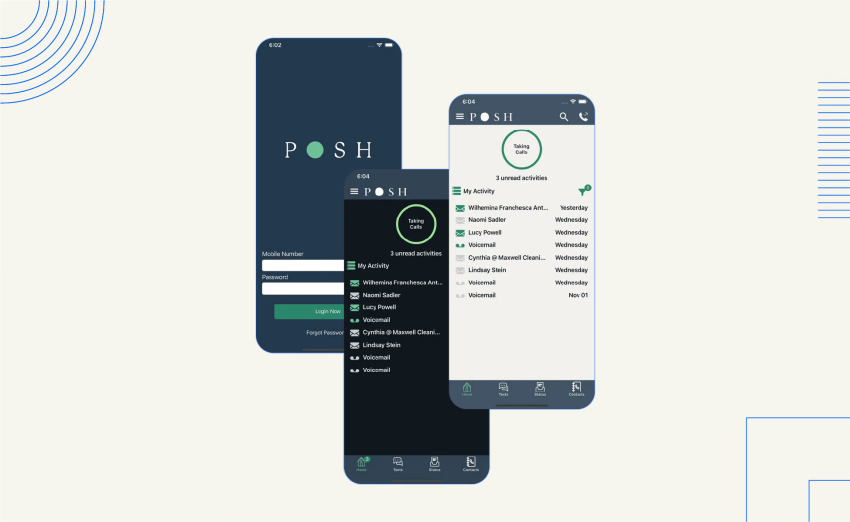
Posh provides live answering and outbound calling. Its receptionists support customer service, lead capture, follow-up, and appointment-related requests for healthcare, wellness, real estate, and consulting businesses.
Features:
- Live answering
- Bilingual virtual receptionists
- Outbound calling
- Lead capture and qualification
- Mobile app for account management and messages
- Unlimited users
- Integrations with more than 3,000 applications through Zapier
Pros:
- Live answering 24/7/365
- Flexible pricing tiers
- Bilingual receptionists Monday through Friday, 8 a.m. to 6 p.m. ET
- HIPAA compliance
- Outbound follow-up support
Cons:
- No live chat
- No call recording
- Per-minute charges can increase the monthly cost
Pricing
Posh offers seven pricing tiers:
- 0 minutes included: $65 per month plus $2.25 per minute
- 50 minutes included: $130 per month plus $2.20 per minute
- 100 minutes included: $215 per month plus $2.15 per minute
- 200 minutes included: $420 per month plus $2.10 per minute
- 350 minutes included: $700 per month plus $2.00 per minute
- 500 minutes included: $975 per month plus $1.95 per minute
- 1,000 minutes included: $1,900 per month plus $1.90 per minute
Best for: Service-oriented businesses that need live reception, outbound follow-up, bilingual support, and flexible minute plans.
“The virtual assistants are great. They are professional, easy to understand, and interact well with callers. It is saving me some time and getting me more bookings, which was the intended purpose. They don’t always follow my instructions. That could be better. But otherwise, I really like this service.” — Sheryl LaNoue via Trustpilot
👉 Posh has a 4.7/5 rating. See more Posh Virtual Receptionist reviews on Trustpilot.
4. Moneypenny for 24/7 coverage and quick setup
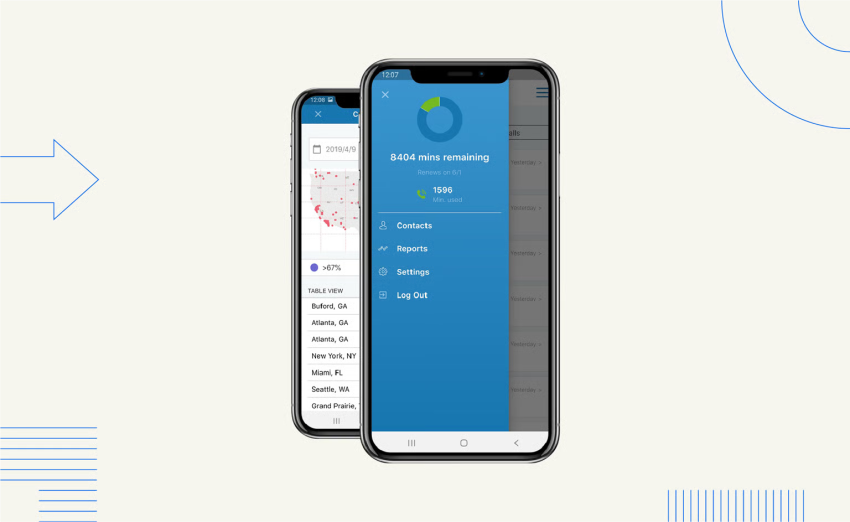
Moneypenny, formerly VoiceNation, provides live answering and virtual receptionist services. It supports small businesses with custom scripts, message delivery, call transfers, and rapid activation.
Features:
- Unlimited long-distance calls
- Live answering
- Mobile app for account management and caller messages
- Custom call scripts
- Instant activation
- Free call patching, also called warm transfers
- Message delivery by voicemail, email, or SMS
- Order processing
Pros:
- Live answering 24/7/365
- No fees for holiday or after-hours calls
- Bilingual English and Spanish receptionists
- HIPAA compliance
- Quick setup
Cons:
- The mobile app can add calling fees
- Live chat is billed annually rather than monthly
- Dedicated account managers are limited outside the Enterprise plan
- Businesses should confirm how current plans define included minutes
Pricing
Moneypenny plans start at $145 per month. Businesses must request a current quote for plan details.
Best for: Small businesses that need live coverage around the clock and want to activate service quickly.
“We have been using voicenation for about a month. Everything seems to be going ok. My company is very happy with the customized scripting. My only issue is with occasional misspellings of information in the messages. Customer names, phone numbers, as well as addresses have been recorded incorrectly.” — A VoiceNation customer via Trustpilot
👉 Moneypenny has a 4.6/5 rating. See more Moneypenny reviews on Trustpilot.
5. Ruby for phone and chat support
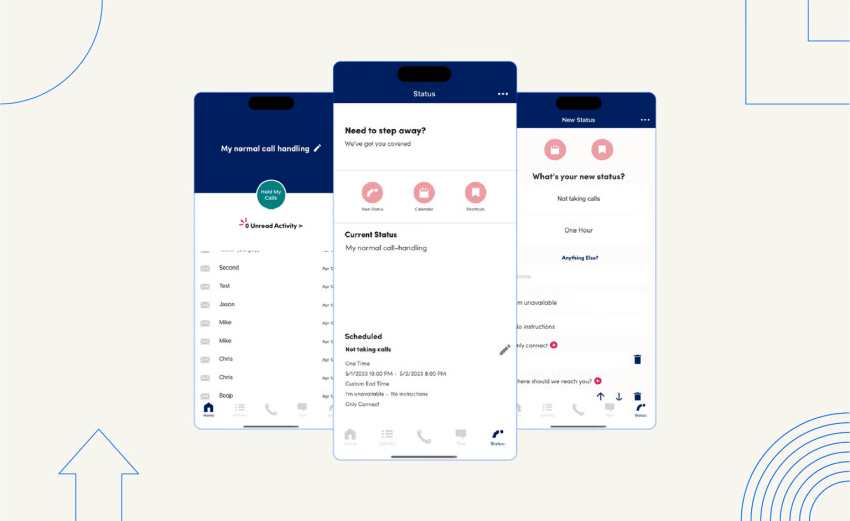
Ruby provides live answering and web chat through U.S.-based agents. Its team supports customer service, sales, outbound calling, lead qualification, appointment booking, and call routing.
Features:
- U.S.-based live receptionists
- Live web chat
- Mobile app for account management and messages
- Third-party integrations
- Inbound lead capture
- Call routing and forwarding
- Appointment booking
- Outbound calling
Pros:
- Live answering 24/7/365
- Phone and chat support
- HIPAA compliance
- Lead capture and appointment booking
- Support for fluctuating call volumes
Cons:
- Costs more than some alternatives
- Bilingual reception is not available 24/7/365
- Per-minute fees apply to listed plans
Pricing
Ruby offers four live reception tiers:
- 50 minutes included: $250 per month plus a per-minute fee
- 100 minutes included: $395 per month plus a per-minute fee
- 200 minutes included: $720 per month plus a per-minute fee
- 500 minutes included: $1,725 per month plus a per-minute fee
Ruby also offers bundled reception and live chat plans.
Best for: Businesses that need both phone answering and live chat, especially when call volume changes from month to month.
“We have Ruby answer all incoming calls for our business so that our team can focus on the tasks that are important to our clients, and not have to field spam calls, etc. Ruby does a great job being a gatekeeper and giving legitimate callers a fantastic first impression. Sometimes we’ve had a client call in and say that the person who answered the phone wasn’t very friendly. However, thankfully, this is a rare occurrence.” — A Ruby customer via G2
👉 Ruby has a 3.8/5 rating. See more Ruby Receptionists reviews on G2.
6. Abby Connect for dedicated receptionist teams
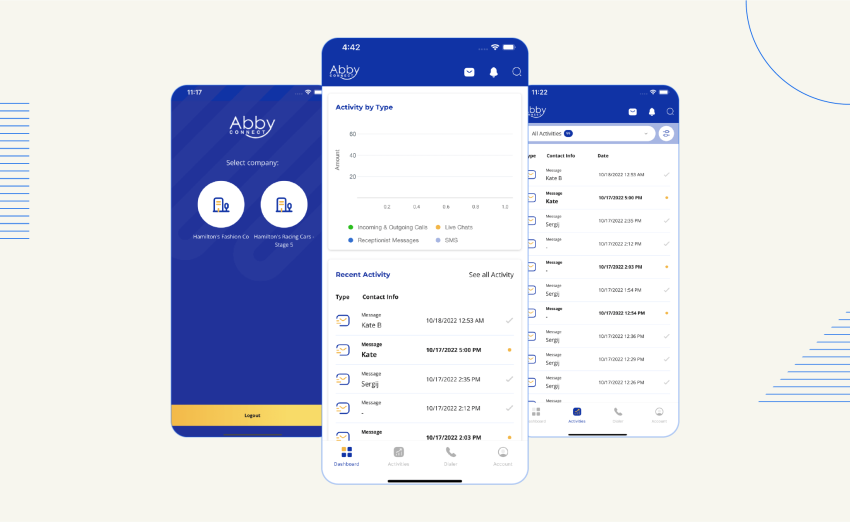
Abby Connect provides live answering, chat, and virtual receptionist services. Its dedicated receptionist teams support appointment booking, call announcements, transfers, and customized greetings.
Live receptionists are not available on holidays, while live chat is available around the clock, 365 days a year.
Features:
- Dedicated receptionist teams
- Appointment booking
- Call announcements
- Call transfers
- Mobile app for account management and caller messages
- Zapier integration with more than 3,000 third-party applications
- Custom greetings
- Bilingual receptionists
Pros:
- Consistent receptionist team
- Bilingual English and Spanish reception
- Customizable greetings
- Free trial
- Appointment scheduling and transfers
Cons:
- 24/7 live answering costs extra
- Human and AI support can carry separate charges
- Holiday coverage has limitations
- Businesses should confirm the included service hours
Pricing
Abby Connect has three live answering pricing packages:
- 100 minutes included: $329 per month, with a per-minute rate of $3.29
- 200 minutes included: $599 per month, with a per-minute rate of $2.99
- 500 minutes included: $1380 per month, with a per-minute rate of $2.76
Abby Connect also offers live chat and bundled reception and chat plans.
Best for: Businesses that want a consistent receptionist team, an account manager, customized greetings, and live transfers.
“I have been using Abby for over a year now to handle all of my appointment scheduling. I tried other companies first, and Abby has made it the easiest. Their call centers are in Las Vegas, so there is no language issue when they handle your calls.” — Chelsea Woodworth via Trustpilot
👉 Abby Connect has a 4.4/5 rating. See more Abby Connect reviews on Trustpilot.
7. Davinci Virtual for administrative support
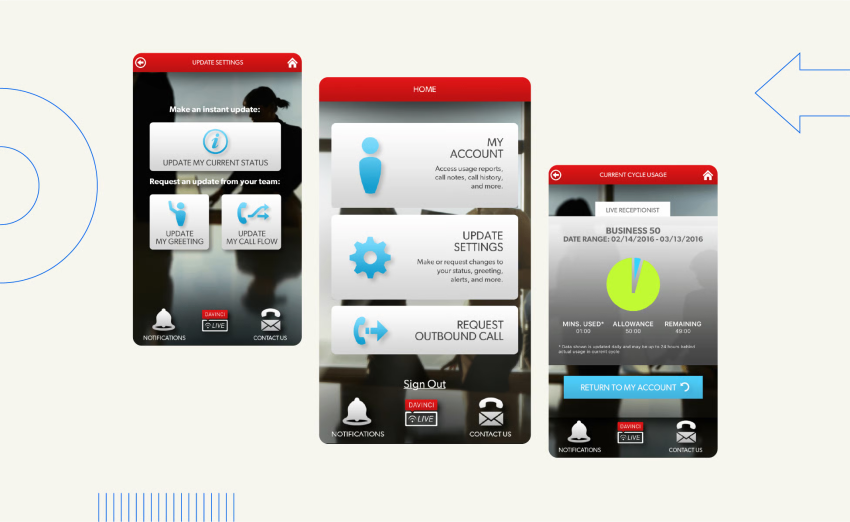
Davinci Virtual combines live receptionist services with administrative support. Its services include business addresses, phone numbers, customer support resources, and online faxing.
Davinci primarily supports small teams during standard business hours rather than providing continuous after-hours coverage.
Features:
- Free local or toll-free phone number
- Call forwarding and screening
- Unlimited long-distance calls
- Online faxing
- Live receptionist support
- Virtual office services
Pros:
- Lower starting price than many live answering plans
- Live receptionist support
- Administrative services
- Business phone numbers and virtual office options
Cons:
- No 24/7/365 live answering
- No notifications for new messages
- Six-month minimum commitment
- No month-to-month option
Pricing
Davinci has two answering service pricing tiers:
- Business 50 minutes included: $129 per month plus $1.75 per minute
- Business 100 minutes included: $239 per month plus $1.75 per minute
Best for: Solopreneurs and startups that need business-hours answering with phone, fax, or virtual office support.
“Maddi is excellent. She is wonderful to deal with and super professional. However, the company you use for remote notary services isn’t apt; their software (user experience) is appalling.” — Michael Preston via Trustpilot
👉 Davinci Virtual has a 4.6/5 rating. See more Davinci Virtual reviews on Trustpilot.
Handling Missed Calls and Urgent Requests
The most useful answering service for missed calls should do more than send a voicemail notification. It should capture the reason for the call, determine urgency, and trigger the correct next step.
A capable call flow includes:
- Call forwarding: Routes calls from the existing business number to the service.
- Intent recognition: Identifies sales calls, support requests, appointment requests, and emergencies.
- Information capture: Collects the caller’s name, number, location, service need, and preferred callback time.
- Lead qualification: Asks approved questions before sending the inquiry to the sales team.
- Appointment booking: Checks calendar availability and schedules or reschedules the appointment.
- Emergency escalation: Transfers urgent calls to an on-call employee according to business rules.
- Human handoff: Sends the caller to a live employee with the conversation context.
- Follow-up: Delivers a transcript, summary, text, email, or CRM record.
For service businesses, the workflow should distinguish routine requests from emergencies. An HVAC company may route a heating failure differently from a general pricing question. A medical office may need stricter escalation rules and compliance controls.
How To Choose an Answering Service
Evaluate each provider against the following criteria.
Coverage and availability
Confirm whether the plan includes:
- Nights and weekends
- Holidays
- Emergency calls
- Overflow coverage
- Simultaneous calls
- Live agents or AI after hours
- Seasonal volume increases
A provider that advertises 24/7 service may use different coverage rules for live agents, chat, and AI. Review the service schedule for each channel.
Call handling and escalation
Ask whether the service can:
- Follow custom greetings and scripts
- Recognize caller intent
- Qualify leads
- Schedule and reschedule appointments
- Route calls by department, location, or urgency
- Perform warm transfers
- Detect sentiment or distress
- Send summaries and transcripts
- Follow an emergency call tree
Integrations
Check for connections with the systems the business already uses:
- CRM
- Calendar
- Business phone system
- SMS
- Live chat
- Scheduling software
- Help desk
- Analytics tools
The service should record caller details where the team already works. Manual copying increases follow-up time and creates more opportunities for errors.
Pricing structure
Answering services can charge by:
- Monthly plan
- Included minutes
- Additional minutes
- Conversations
- Calls
- Seats or users
- Features such as chat, bilingual support, or appointment booking
Businesses should calculate the expected monthly cost using normal and peak call volumes. Review setup fees, per-minute overages, minimum commitments, holiday charges, transfer fees, and unused-minute policies.
Languages and accessibility
Businesses with multilingual customers should confirm:
- Supported languages
- Live-agent language coverage
- AI language coverage
- Hours for bilingual support
- Translation availability
- Whether language selection works through IVR or caller intent
Security and compliance
Businesses in healthcare, legal services, financial services, and other regulated sectors should ask about:
- HIPAA support where applicable
- SOC 2 controls
- PCI DSS requirements
- Data retention
- Call recording policies
- Transcript access
- User permissions
- Encryption
- Vendor contracts and data-processing terms
A compliance label does not replace a review of the provider’s configuration, contract, workflows, and internal security practices.
Trial and contract terms
Before signing up, confirm:
- Trial duration
- Money-back guarantee
- Long-term contract requirements
- Cancellation notice
- Setup fees
- Porting or forwarding requirements
- Support hours
- Limits on users, calls, minutes, or conversations
Choosing by Business Need
| Business need | Suitable service model | Important capabilities |
|---|---|---|
| After-hours coverage | AI, live, or hybrid | 24/7 availability, call forwarding, message delivery |
| Emergency service intake | AI with human escalation or live agents | Intent recognition, urgency rules, on-call routing |
| Appointment scheduling | AI, live, or hybrid | Calendar integration, booking, rescheduling, confirmations |
| High call volume | AI or hybrid | Simultaneous calls, overflow coverage, scalable pricing |
| Complex customer questions | Live or hybrid | Warm transfers, contextual handoff, trained agents |
| Multilingual callers | Live or AI | Supported languages, bilingual coverage, language routing |
| Administrative support | Live receptionist or virtual office | Phone numbers, faxing, call screening, message management |
| Regulated industries | Live or hybrid with documented controls | HIPAA, SOC 2, PCI DSS, permissions, data policies |
Answering Service Costs
Live answering services in this comparison start at approximately $65 to $325 per month, with per-minute charges often between $2 and $3. Larger minute packages can reduce the per-minute rate, while setup fees, transfers, bilingual reception, chat, and calendar access can raise the total cost.
XBert AI starts at $99 per month for 100 eligible conversations, with additional conversations priced at $1.50 each. A business should compare the expected number and type of interactions rather than comparing the monthly base price alone.
See the guide to answering service costs for more information about plan structures and fees.

Keep Customers Connected With Nextiva
Nextiva’s cloud phone system can forward calls to an answering service, manage internal call flows, and provide visibility into call activity.
XBert AI answers, qualifies, and routes calls when employees cannot respond. Businesses can start a free trial or learn more about Nextiva’s AI answering service.
Stop losing customers to missed calls
Every missed call is a lost opportunity. XBert answers, qualifies, and routes calls when your team can’t.
FAQs
Check out these frequently asked questions.
The right provider depends on call volume, budget, required coverage, industry, and the need for live human support. XBert AI by Nextiva is a strong fit for small businesses that need automated 24/7 coverage, lead capture, appointment booking, CRM and calendar integration, and contextual human escalation. A live provider may be a better fit when callers need empathy or complex assistance.
A service that combines call forwarding, 24/7 coverage, intent recognition, message capture, appointment booking, and escalation provides the strongest protection against missed calls. XBert AI can answer calls, capture caller details, route urgent requests, book appointments, and transfer complex conversations with context. Businesses that require a human to answer every call should consider a live service such as AnswerConnect, Posh, Moneypenny, Ruby, or Abby Connect.
XBert AI is designed for automated answering across phone, SMS, and chat. It can answer routine questions, capture leads, qualify inquiries, book or reschedule appointments, and route urgent calls. Its pricing is based on eligible conversations, with 100 conversations included at $99 per month and $1.50 for each additional conversation.
An AI virtual receptionist should answer calls, follow business-specific instructions, capture information, schedule appointments, and escalate requests that require a person. XBert AI provides these functions across voice, SMS, and chat. It can use an existing business number through call forwarding and connect with CRM and calendar systems.
The best option depends on the business’s industry, call complexity, language needs, compliance requirements, and preferred escalation process.